
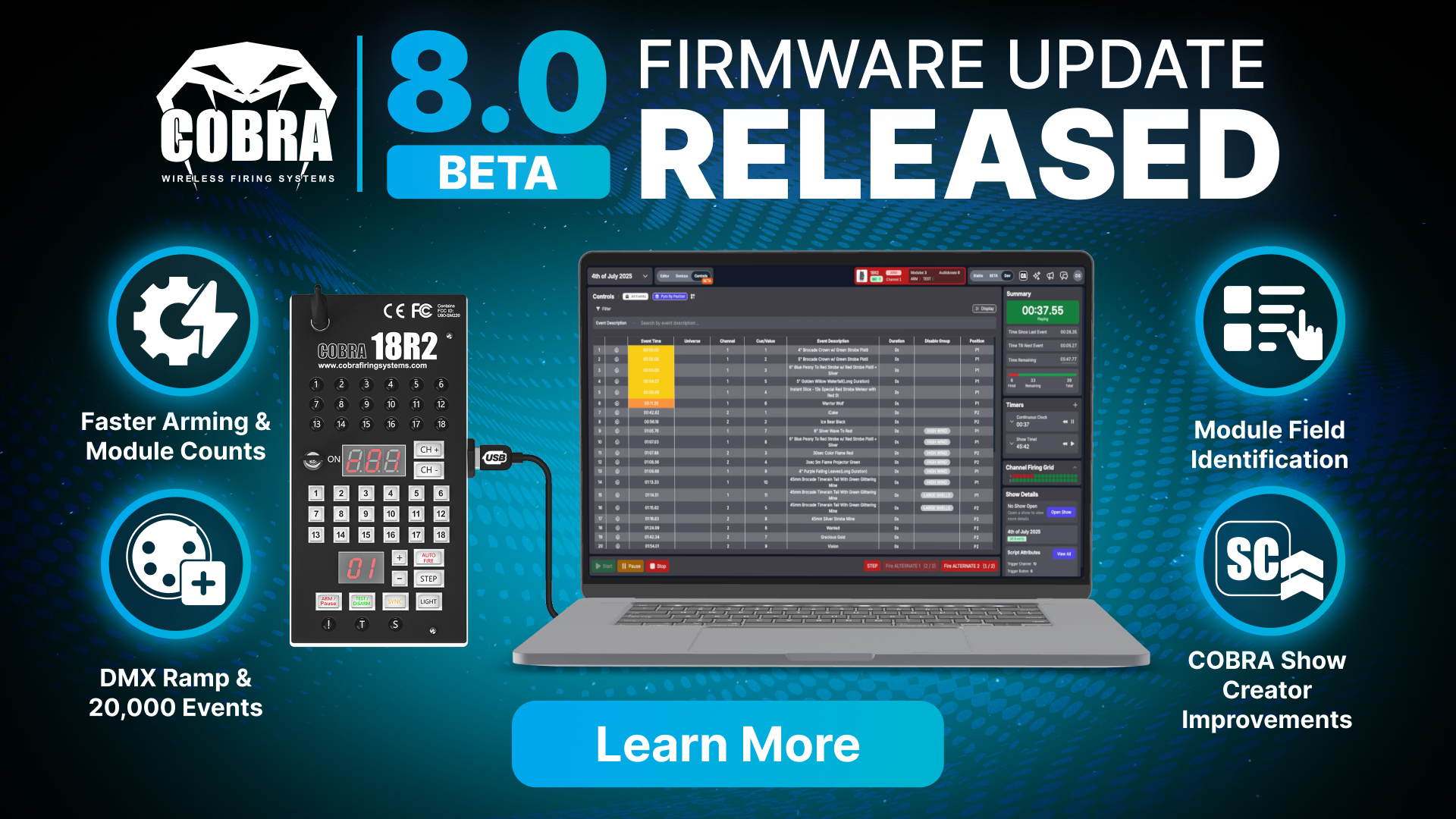
The COBRA 8.0 BETA release represents a significant advancement in module communication and script management. Modules now download and retain script data more intelligently, resulting in substantially faster arming times. This release also introduces increased DMX capacity, a new DMX ramp feature, and expanded Control Panel capabilities. As with all COBRA BETA releases, this firmware has undergone extensive internal testing; however, we encourage users to test thoroughly in non-critical environments and report any issues as we work toward a stable release.
Please note that all equipment will require a firmware update. To update the firmware, please use the COBRA Reprogramming Software. Please also make sure to update your COBRA Control Panel from Google Play.
Feature Improvements
DMX Enhancements
- 18R2/18R3 Increased DMX Events - The maximum number of DMX events on the 18R2 and 18R3 is increased from 10k events to 20k events.
- 36M/72M Increased DMX Events - The maximum number of DMX events is increased from 3k to 20k on the 36M and 72M.
- DMX Ramp Feature - COBRA now supports DMX ramping functionality by defining a ramp start and end value for a defined time duration. For example, if you define a start value of 0 and an end value of 100 over 1 second, the 36M/72M will automatically send 100 events from 0 to 100 over the one second time period. Note that the 36M/72M has a timing resolution of 1/100th of a second. This means if you are ramping a value from 0 to 200 over one second, it would send values of 0, then 2, then 4, etc... due to the 1/100th second timing resolution. This feature is supported both in COBRA Show Creator and also Finale3D.
Script & Arming Improvements
- Modules Download Scripts in TEST Mode - All modules now download script data when the 18R2 or 18R3 is in TEST mode. This means that the arming of modules will occur much faster as in previous releases, the script information was uploaded during the arming process.
- Scripts Saved in Modules After Power Off - All modules with the exception of the 18M hardware A units will save script information on the modules even after the module is powered off. By saving script information on the modules, this increases the speed of module arming as the remote no longer needs to upload script data. If a new script is loaded into the 18R2 or 18R3, the remote will send the new script data to the modules.
- Downloading Script Module Indicator - When a module is downloading script data from the 18R2 or 18R3, the ARM LED will blink. Once the script data is downloaded, the ARM LED will go solid.
18R2/18R3 Display Improvements
- Module Count Improvements - The 18R2 and 18R3 now display the module counts in real-time vs. in blocks. This removes the issue whereby 0 was displayed for an extended period of time on the remote.
- Display Module Count Feature - By double tapping TEST or ARM on the 18R2, the current module count will display on the 7-segment displays.
- Blinking Continuity Exception Indicator - The 18R2 will now alternate blink a cue red and green if continuity exists, but is not within the current script cue, but for the selected channel.
36M/72M Diagnostics
- Local Diagnostics Download - You can now place a USB drive into your 36M or 72M and download detailed diagnostics. Then, press CHANGE BANK until you see "LOGGING" whereby pressing CH+ toggles between enabling and disabling the logging feature. Pressing CH- will download the file into the attached USB. By default the logging feature is enabled.
Device Security Mode Improvements
- Modified Process on how to adjust Security Mode - Changing security mode on the device has been changed. In 8.0+ you can now change the security mode by holding both TEST + SYNC while pressing CH+ to CH- to change from basic to enhanced security mode. For more on the COBRA securty mode feature please see What is the COBRA Enhanced Security (EnH) feature?
Control Panel Features
- Change Module Channel - You can now change the module channel directly from the Control Panel.
-
Adjust Script Timeout - From the COBRA Control Panel, you can now control the timeout period for modules to stop firing if no signal is received from the 18R2 or 18R3. See Script Format (script column K).
-
Module Field Identification - Using the Control Panel, you can now cause a module to blink all 18 cue LEDs alternating red and green as a way for an operator to quickly identify a module in the field.
Bug Fixes
- 18M Hardware A Ghost Continuity - In rare cases, an 18M hardware A may show continuity on a cue when no continuity exists. This issue has been fixed as the sensitivity of testing continuity was reduced slightly.
- Audio Box Security Mode Visual Enhancements - The Audio Box display user interface has been updated to better communicate the security mode and how to toggle between Basic and Enhanced.
How to Upgrade
To update your equipment to firmware version 8.0, please use the COBRA Reprogramming Software. For a step-by-step walkthrough, see How to Upgrade COBRA Firmware.
Comments
Please sign in to leave a comment.